


Staying Connected in Malaysia in 2026
In the past, you had to choose between Celcom and Digi for a SIM card when vacationing in Malaysia. Older travel articles are still full of this information, although things have changed a lot since. Here’s what you need to know: Celcom and Digi merged in 2022 to form CelcomDigi, which has since become the provider with the largest mobile network in Malaysia, offering 97% coverage in populated areas. Maxis (and HotLink) is #2, and U Mobile and TuneTalk are the cheapest alternatives. In this article, we will walk you through what to look out for if you want to stay connected when traveling in Malaysia.
Coverage: Where it works, and where it doesn’t?
Kuala Lumpur and Penang
You don’t need to worry here. All providers work well, and 5G is becoming available in more and more places. And even if you don’t have the fastest connection available, you won’t notice. The average person barely notices the difference between 4G and 5G. In short: Any provider is fine.
Perhentian, Redang, and Tioman.
Here, it’s a different story. You might have perfect coverage on one beach but no coverage at all on another. The quality of your mobile internet varies from resort to resort. Here, choose Celcom, Digi, or Maxis for the best coverage.
Borneo
In Kota Kinabalu and Kuching, you’ll have good coverage with most providers. If you travel deeper into nature reserves like Danum Valley of Mulu National Park, you may regularly find yourself with no coverage at all. CelcomDigi and Maxis are your best choices here, but don’t expect perfect coverage!
Cameron Highlands and Taman Negara
You’ll have great coverage in the villages, but it drops off outside of them. Be sure to download offline maps in advance—for example, in Google Maps—for these areas, especially when doing proper hikes. You’ll need them to navigate.
How Much Data Do You Need in Malaysia
10-day trip: 10 GB at least or 20 GB for heavy users. If you’re staying in Malaysia for a longer period of time, get at least 20 GB and choose an eSIM provider that offers easy top up possibilities.
Apps like Grab, Google Maps, and WhatsApp constantly use small amounts of data in the background while on the go. The exact usage varies by device and how intensively you use your phone, but it’s often lower than most travelers estimate.
The real data hogs are video calls, sharing (HD) photos with friends and family back home, and social media, especially TikTok and YouTube. How much data you’ll need on your trip depends heavily on how intensively you use these features.
For the average tourist, 500 MB to 1 GB per day is a good amount of data to aim for when purchasing a data plan. If you use your phone very intensively, work remotely, or perhaps even share data, you might want to plan a bit more generously and allow for 2 to 3 GB per day. Of course, this also depends on your Wi-Fi usage; if you’re in major cities, you’ll likely be connecting to Wi-Fi much more often. Check out a detailed overview of average data usage based on trip duration from a data provider here.
Pay special attention to automatic photo uploads. iCloud Photos and Google Photos can sync photos and videos over mobile data if you’ve allowed it. Regular photos usually use only a limited amount of data, but lots of videos, Live Photos, or RAW files can add up to several gigabytes over two weeks. So set syncing to “Wi-Fi only” if you want to conserve your data plan.
SIM card at the airport or eSIM in advance?
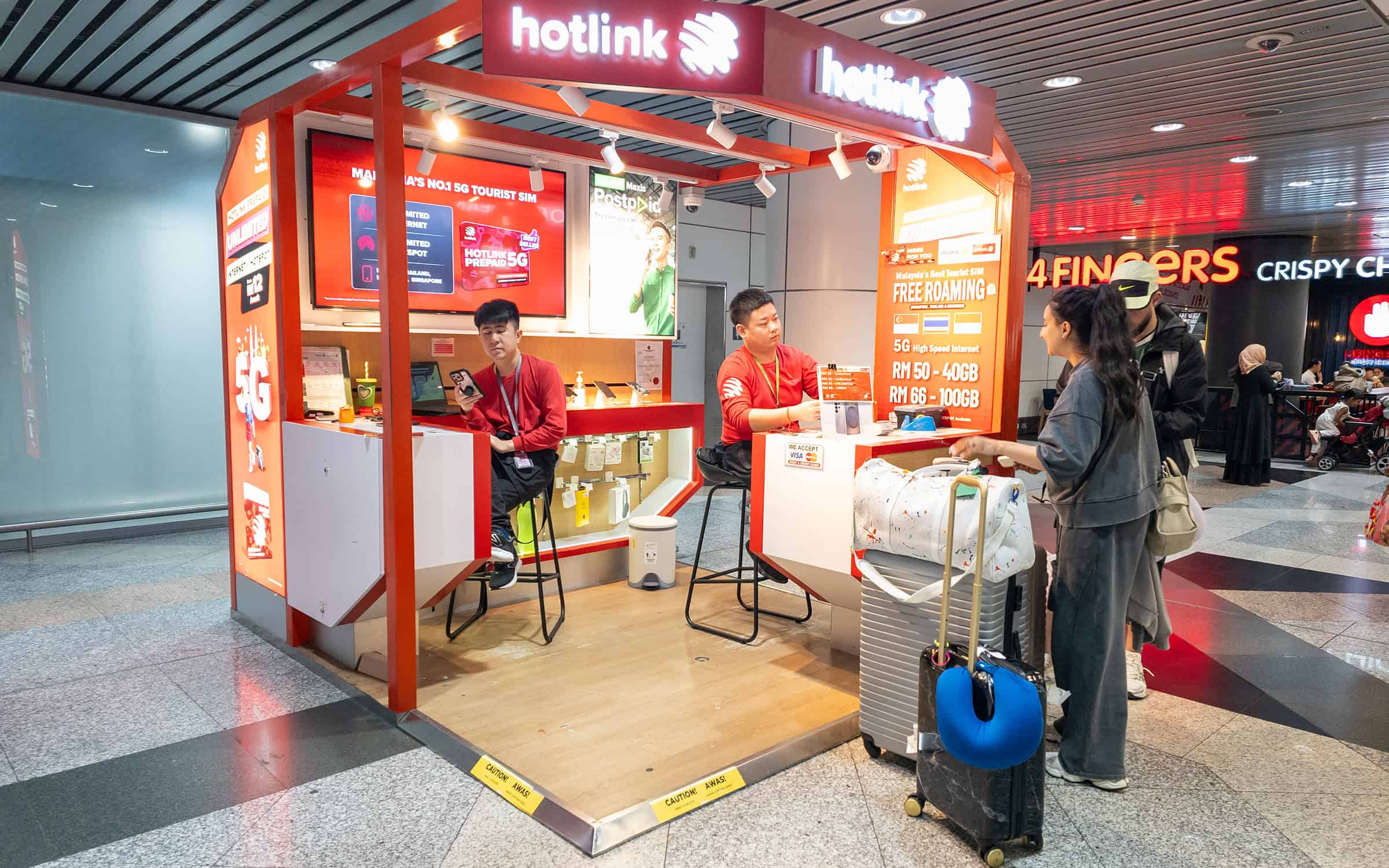
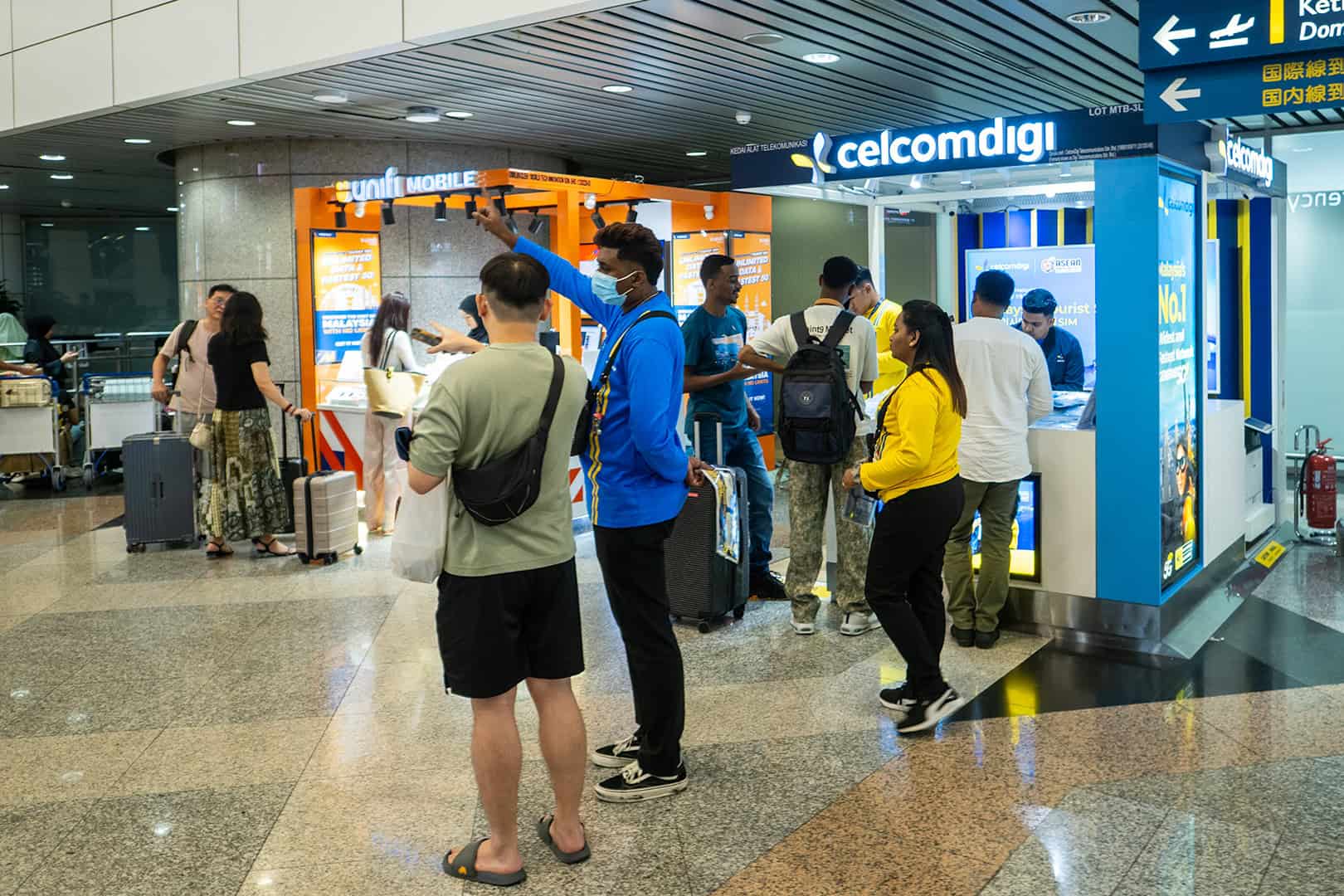
At KLIA T1, the CelcomDigi, Hotlink, and U Mobile counters are located before passport control. You’ll see them on the right as you walk toward immigration. Hand over your passport, the staff member will register you, and after a few minutes, you’ll have a working SIM card. At CelcomDigi, this costs between RM25 and RM60. The tourist plans at the airport start at RM25 for 7 days and go up to RM60 for 30 days. There are also counters in Penang Airport and Kota Kinabalu Airport, but with fewer options. In general, sim cards can be bought pretty much everywhere in Malaysia.
Be careful with “unlimited” plans. They aren’t always 100% unlimited—there may be daily limits. These vary by provider. After using, say, 1, 2, or 3GB per day, your connection may slow down significantly or even stop working altogether. If you use very little data, you’ll be fine—but if you buy an “unlimited” plan because you want to work remotely, you might be in for a big disappointment. In short: Be sure to read the fine print!
The advantage of a physical SIM card is that you get a Malaysian number. This is handy for calling your accommodation or when an app asks for a local number. The downside is that after a long flight, you’ll have to stand in line and remove your Dutch SIM card—unless you have a dual-SIM device.
You can buy an eSIM online and install it at home. After landing, you activate it as your data source. Your Dutch SIM stays in your phone, so WhatsApp and your own number will continue to work. Be sure to turn off “data roaming” on your Dutch SIM, or you’ll still be charged roaming fees. Making regular calls via your Dutch SIM may still incur roaming charges. On the eSIM itself, “data roaming” usually needs to be turned on. That may sound contradictory, but it’s because an eSIM often connects to a Malaysian network via international roaming agreements. So be sure to follow your provider’s instructions carefully!
An eSIM for Malaysia from Travelsim Asia runs on Maxis & CelcomDigi—the same networks as the SIM cards sold at the airport. You’ll only get mobile data; you won’t receive a Malaysian phone number. You can share 100% of your data plan via a hotspot (not all providers allow this).
Before purchasing, check whether your phone supports eSIM (most devices from 2019 onward) and whether it’s SIM-unlocked. Install it at home via Wi-Fi and not at the airport, since you might not have a connection there.
Additionally
Grab doesn’t work without data, so activate your eSIM no later than when you arrive at the airport so you can walk out with a working internet connection.
Renting a car? Check with the rental company to see how you pay tolls and make sure you have enough balance on your Touch ’n Go card or eWallet beforehand. It’ll save you hassle at the toll gate.
A VPN isn’t necessary in Malaysia. WhatsApp, Google, and Instagram work just fine.
If you’re in Borneo or the jungle: never assume you’ll have cell service. Save reservations, phone numbers, and directions offline on your phone. Or print them out the old-fashioned way 🙂
Keep Exploring Malaysia
-
 Staying Online in Malaysia: The Traveler’s Guide to Mobile Data
-
 Seamless Journeys: The Ultimate Guide to Modern Transit and Portable Entertainment in Malaysia
-
 Prevent the Exhausting How to Have a Pleasant Trip in Malacca
-
 How to Compare Room Rentals for Best Value
-
 Why Southeast Asia offers some of the most rewarding travel experiences
-
 Pre-Trip Slots: Online Gaming Before Malaysia Vacations
Stay Updated on Malaysia